Activating and managing active snaps
Activating a snap
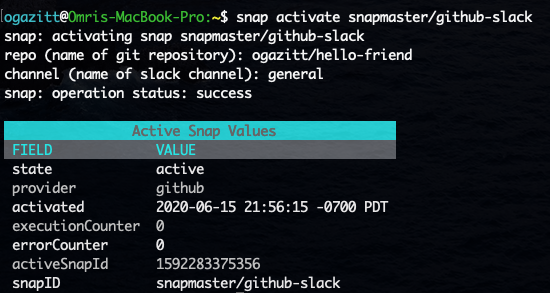
snap activate {snapname} will activate a snap named snapname (as retrieved from the snap gallery list command). This command will prompt for the snap parameter values, if any:
Managing active snaps
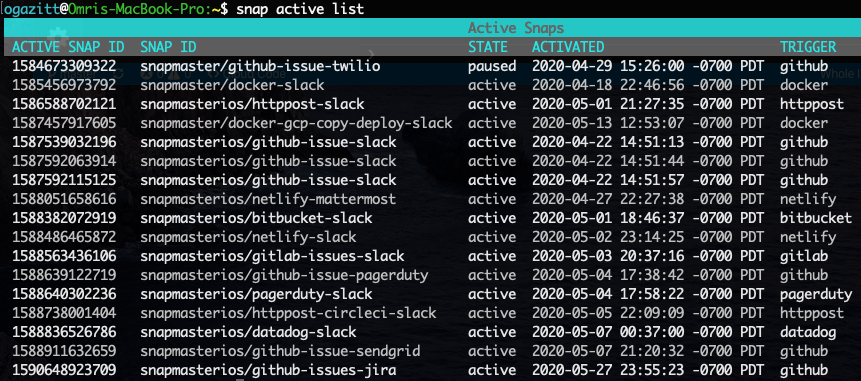
snap active list will list all activated snaps:
snap active get {active snap ID} will get information about the active snap.
snap active pause/resume {active snap ID} will pause or resume an active snap.
snap active deactivate {active snap ID} will deactivate and active snap and REMOVE ALL LOGS.
Interacting with logs
snap active logs {active snap ID} will retrieve logs for the active snap ID passed in.
snap active logs {active snap ID} details {logID} will retrieve the logs associated with the invocation logID of the referenced active snap ID.
snap logs will retrieve all logs from ALL active snaps.
snap logs details {logID} will retrieve log details for a particular log entry.